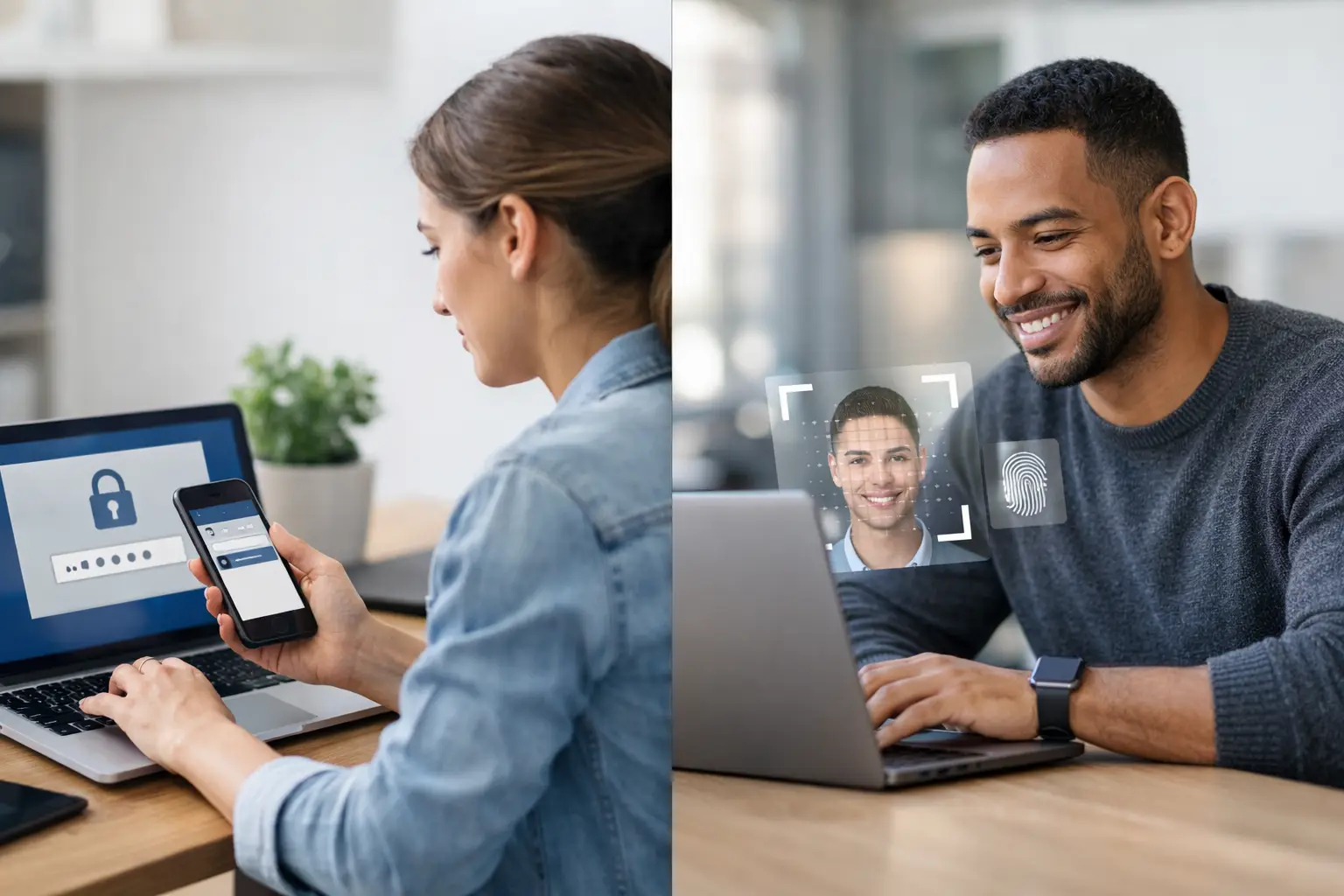
A compromised Microsoft 365 account can become a business-wide incident within minutes. Email rules are changed, invoices are redirected, privileged access is requested, and attackers gain a credible internal identity to work from. That is why the MFA vs passwordless authentication decision is not an identity feature comparison. It is a risk, operational continuity and compliance decision.
For Australian organisations balancing Essential Eight expectations, ISO 27001 controls, customer assurance demands and limited security resources, the right answer is rarely a wholesale choice of one over the other. MFA is a security control category. Passwordless authentication is a way of proving identity without relying on a memorised secret. The practical objective is to remove the most exploitable access paths first, without creating an authentication model your IT team cannot support.
MFA vs Passwordless Authentication: The Core Difference
Multi-factor authentication requires users to prove identity with two or more factors. These factors generally fall into something the user knows, has or is. A password plus a one-time code from an authenticator app is MFA. So is a password plus a hardware security key, or a password plus an approved push notification.
Passwordless authentication removes the password from the sign-in flow. It may use a passkey secured by a mobile or laptop, a hardware key, a certificate, biometrics, or a time-limited link. The device and its local verification method establish identity instead of a centrally stored password.
The distinction matters because MFA can still depend on passwords. Passwordless can also provide multiple factors, but that depends on the implementation. A passkey protected by device possession and local biometric or PIN verification is usually a strong form of multi-factor authentication. A one-time email link is passwordless, but it simply shifts trust to the security of the user’s inbox. It should not be treated as equivalent to phishing-resistant authentication.
The Security Question Is Phishing Resistance
The password problem is not just weak passwords. It is that passwords can be phished, reused, sprayed, intercepted and relayed through adversary-in-the-middle attacks. Adding SMS codes or app-generated codes improves the situation, but these methods can still be socially engineered or captured by a convincing fake sign-in page.
Push-based MFA has its own failure mode: MFA fatigue. An attacker with a stolen password repeatedly triggers sign-in prompts until a rushed user approves one. Number matching and contextual prompts reduce that risk, but they do not remove the underlying dependence on human judgement at the worst possible moment.
Properly deployed passkeys and FIDO2 security keys are materially stronger because they bind authentication to the legitimate website or application. A credential created for a real domain cannot simply be replayed to a lookalike phishing domain. For organisations facing targeted phishing, business email compromise or privileged-account risk, this is the decisive advantage of passwordless authentication.
That said, calling a platform "passwordless" is not enough. Security leaders should ask what happens during enrolment, whether credentials are resistant to phishing, how devices are registered, and whether recovery can be manipulated through a helpdesk call. A strong primary sign-in method paired with a weak recovery process is still a weak identity system.
Where Traditional MFA Still Has a Place
MFA remains necessary in most enterprises because the application estate is rarely clean. Legacy line-of-business software, older VPNs, shared infrastructure and third-party platforms may not support passkeys or modern federation. A staged MFA programme is often the quickest way to reduce immediate risk across those systems.
For many organisations, authenticator app codes, number-matching push approvals and conditional access policies are sensible transitional controls. They are familiar to users, supported across a broad range of services and generally less disruptive than a full identity redesign.
The limitation is clear: not all MFA methods carry the same assurance. SMS should be treated as a fallback where stronger options are unavailable, not the standard for privileged users. Voice calls are weaker again. Any account with administrative access, finance approval authority, source-code access or customer data should move towards phishing-resistant methods as a priority.
The practical model is tiered. Use the strongest methods for the identities that can cause the greatest damage, then progressively lift the baseline across the remaining workforce and applications.
Passwordless Brings Benefits Beyond Security
The commercial case for passwordless is often stronger than the security case alone. Password resets create avoidable service desk work, interrupted staff time and poor user experiences. They also create an easy route for social engineering, particularly when a user is travelling, under pressure or unable to access their usual device.
Passwordless sign-in can reduce reset volumes, shorten onboarding and remove the recurring friction of password expiry policies. It can also improve adoption of secure authentication because users are not asked to manage another long, complex secret.
However, passwordless shifts operational work rather than eliminating it. IT teams need processes for lost devices, changed mobiles, employee departures, shared devices, contractor access and emergency access. They need to understand which applications support passkeys natively, which work through an identity provider, and which require an interim control.
This is where many roll-outs stall. The technology works, but device governance, identity lifecycle management and support ownership are unclear. Passwordless is most effective when it is part of an access programme, not a standalone user experience project.
The Recovery Process Is the Real Test
Ask a simple question: if a user loses their phone at an airport, how do they get back into critical systems? The answer exposes the real maturity of an authentication programme.
A weak answer is a service desk agent resetting access after a caller provides easily obtained personal details. An attacker may have those details already. A better approach uses verified identity proofing, pre-registered backup methods, tightly controlled temporary access and an auditable approval process.
Privileged accounts need more discipline again. Break-glass accounts should be separate, protected by strong credentials and hardware-backed authentication, monitored closely, and used only under documented conditions. They are not a reason to maintain a broad password exception for everyone else.
Recovery design should be tested with real scenarios: a stolen mobile, an employee changing devices, an offshore contractor finishing a project, and a senior executive locked out before a board meeting. If the business cannot restore access securely and quickly in those situations, the programme is incomplete.
How to Choose the Right Model
Start with the applications and identities that matter most, not with a blanket technology decision. Map privileged accounts, email, remote access, finance systems, customer platforms and developer environments. Then identify how each system currently authenticates and what modern methods it supports.
For each group, assess the likely attack path, the impact of compromise and the operational cost of change. An administrator with access to production systems warrants hardware-backed phishing-resistant authentication. A casual user accessing a low-risk internal portal may be appropriately covered by an authenticator app while the platform is modernised.
A useful decision framework considers five areas:
- Threat exposure: Are users regularly targeted by phishing, invoice fraud or credential theft?
- Application compatibility: Can key services support passkeys, FIDO2 keys or federation today?
- Device control: Are corporate mobiles and laptops managed, encrypted and recoverable?
- Support capacity: Can the service desk handle enrolment, recovery and exception workflows securely?
- Compliance evidence: Can the organisation demonstrate access controls, review activity and authentication assurance to customers and auditors?
For mid-market organisations, the strongest path is usually phased. Enforce MFA everywhere possible first. Remove SMS and basic push approvals from high-risk accounts. Introduce passkeys or security keys for administrators, executives, finance and other targeted roles. Expand passwordless access as applications and device management mature.
Do Not Confuse Convenience With Assurance
Passwordless can be highly secure, but not every passwordless method is equal. Magic links, emailed codes and SMS-based sign-in may reduce password reuse, yet they remain exposed if the email account or mobile number is compromised. They can be convenient, but convenience is not an assurance level.
Similarly, MFA is not automatically secure because two prompts appear in a sign-in flow. The control must resist the threats your organisation actually faces. For a business processing payments, managing sensitive customer information or operating regulated services, phishing-resistant authentication should be a defined target state rather than an optional upgrade.
The right programme gives users a simpler sign-in experience while making attackers work much harder. Start with the accounts that matter most, design recovery before rollout, and measure adoption and exceptions closely. If your identity controls are being held back by legacy systems, limited internal capacity or unclear ownership, Book a Discovery Call.